App MVP Development in Lisbon: Scope, Stack, 8–12 Week Process

A practical founder guide to building an app MVP in eight to twelve weeks without confusing “minimum” with incomplete.

R5 Studio Team
R5 Studio Team
Product Design & Development Studio in Lisbon
calender-image
August 3, 2026
clock-image
11 min read
Mobile app development on smartphone

An MVP is the smallest product that tests a business assumption

An MVP is often described as the simplest version of an app. That definition is incomplete. A product can be simple and still fail to test anything important. The purpose of an MVP is to put a usable solution in front of a defined audience and learn whether a critical assumption is true.

The assumption may be that customers will pay for faster booking, that teams will invite colleagues, that a marketplace can create enough successful matches, or that an internal workflow can reduce processing time. The MVP needs enough functionality to create that outcome and measure it.

An eight- to twelve-week delivery is possible when scope is focused, stakeholders are available, and the product does not require extensive regulatory approval or uncertain integrations. It is not a promise that any app can be compressed into three months.

Define the riskiest assumption first

List the assumptions behind the business: the customer has the problem, the proposed workflow is acceptable, the value is strong enough, the acquisition channel can reach users, the team can deliver the service, and the economics can work.

Choose the assumption that is both critical and uncertain. If customers do not trust the service, building advanced account settings will not help. If the main risk is operational fulfilment, a manual back office may be acceptable while the customer-facing flow is tested.

Write a testable statement. For example: “Independent clinics in Lisbon will complete a ten-minute onboarding and pay a monthly fee to automate appointment follow-up.” Define evidence that would support or reject the statement: onboarding completion, first successful automation, retention, willingness to pay, and interview feedback.

Choose one primary user and one core journey

MVPs become too large when they attempt to serve every user type. Select the primary user who experiences the strongest pain and has the

authority or motivation to adopt the product.

Map one core journey from trigger to successful outcome. A booking MVP may include account creation, service selection, availability, booking, confirmation, and management. A B2B workflow app may include invitation, data import, task processing, review, and export.

Secondary roles can be supported with simpler tools. An administrator may use a basic web dashboard instead of a polished mobile interface. Customer support may manage exceptions manually. These choices are acceptable when they are deliberate and do not undermine the test.

Use a scope hierarchy

Divide features into four groups: required for the core outcome, required for safety or operation, useful after validation, and unnecessary for the first release. Every feature should have a reason.

Core features create the promised value. Operational features allow the business to deliver and support it. Safety features include authentication, permissions, data protection, logging, and essential error handling. Later features may include advanced filters, custom themes, social sharing, or extensive reporting.

A useful test is to ask what happens if a feature is removed. If the core outcome becomes impossible, it belongs in the MVP. If the experience becomes less convenient but still testable, it may wait. If the feature exists because a competitor has it, that is not enough.

App interface design on a phone screen

Prototype before committing to code

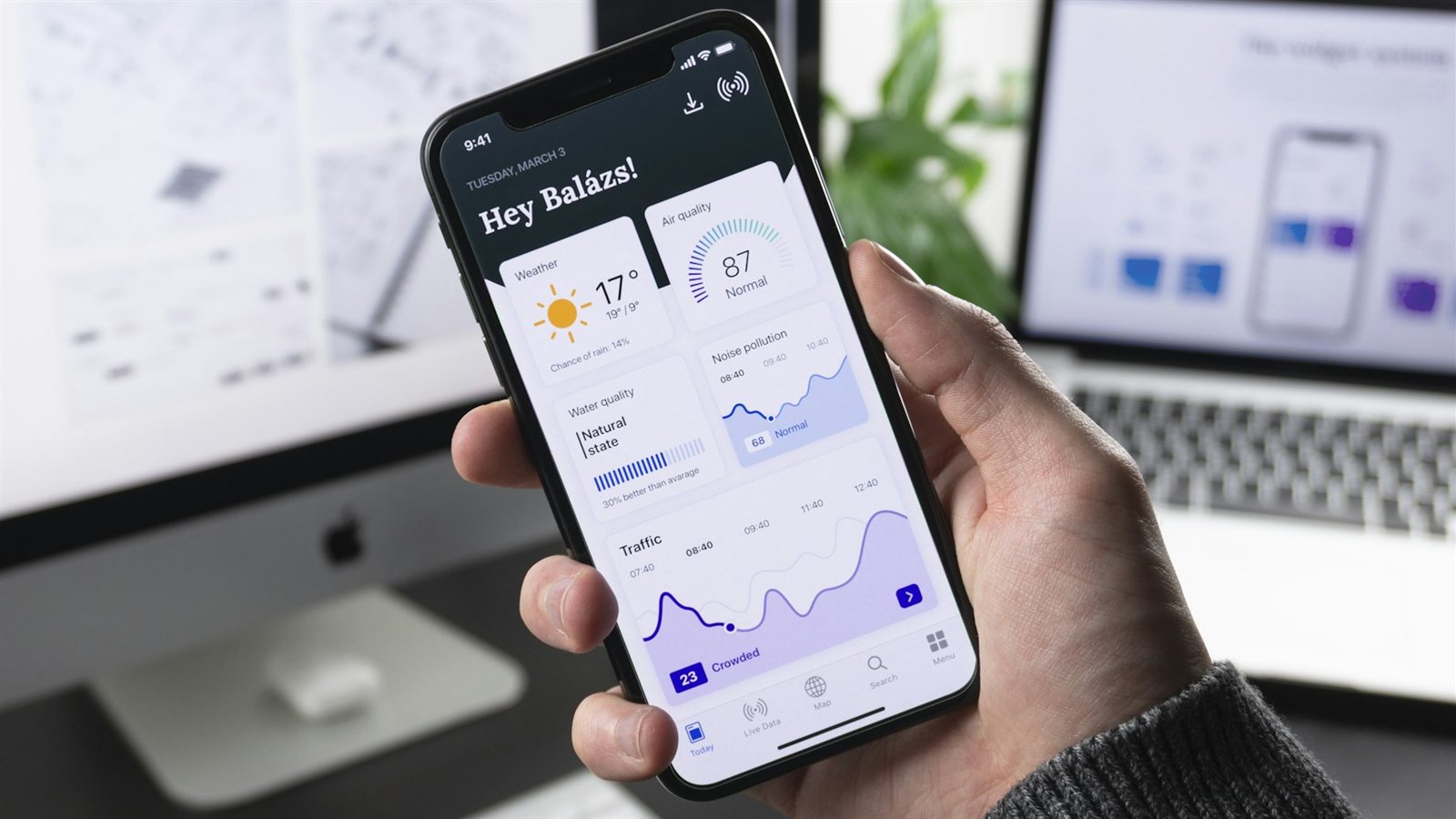
A clickable prototype can test navigation, terminology, trust, and workflow before development. Use realistic data and ask representative users to complete tasks without explanation. Observe where they hesitate, misunderstand, or expect a different result.

Prototype testing is not a vote on visual style. Ask users to explain what they believe will happen, what information they need, and whether the workflow fits their real context. Five thoughtful sessions can reveal major problems, although they do not replace market validation.

The prototype also aligns stakeholders and developers. It exposes hidden states, permissions, and dependencies that a feature list may miss. Decisions made in Figma are cheaper to revise than database and API architecture.

Choose the stack based on product constraints

A web app may be the fastest route when users work primarily on desktop or when distribution through app stores is unnecessary. A responsive web application can support many mobile use cases while keeping one deployment path.

Native iOS and Android development may be appropriate for hardware access, high-performance interactions, offline behaviour, or platform-specific experiences. Cross-platform frameworks can reduce duplicated work for many products, but the decision should consider required libraries, team experience, performance, and future maintenance.

The back end should support authentication, data, business rules, integrations, monitoring, and administration. Managed services can accelerate an MVP, but the team should understand pricing, limits, data location, export, and migration options. Avoid architecture designed for hypothetical millions of users when the immediate need is to validate the first hundred.

A realistic eight- to twelve-week plan

Week one is product discovery: audience, problem, assumptions, scope, risks, data, integrations, metrics, and delivery plan. Existing research and decisions can shorten this stage; unresolved business questions can extend it.

Weeks two and three cover user flows, wireframes, prototype, testing, visual direction, and technical architecture. Design and engineering should overlap. The team should identify complex components, third-party dependencies, and data requirements before the full interface is approved.

Weeks four to nine focus on iterative development. The exact schedule depends on scope, but the team should deliver working slices rather than separate unfinished front end and back end. Weekly demos allow founders to see the real product and make priority decisions.

Weeks ten and eleven cover complete testing, content, analytics, security checks, app-store preparation where relevant, onboarding, support processes, and pilot users. Week twelve is launch, monitoring, urgent fixes, and the beginning of measured learning.

An eight-week version requires a narrower scope and fast approvals. A twelve-week version allows more testing, integrations, and release preparation. Delayed content, vendor access, legal review, or stakeholder decisions can move either schedule.

Include the operations behind the interface

An app is not only screens. Define who reviews users, handles refunds, answers support, corrects data, manages content, and responds when an integration fails. The MVP may need an internal dashboard even if customers never see it.

Avoid building every administrative function if a controlled manual process can support the pilot. However, manual work must be documented and secure. Employees should not edit production databases directly or share credentials to compensate for missing tools.

Create support channels, response expectations, incident ownership, and a way to collect feedback. Early users will expose cases that were not predicted. The speed and quality of response can determine whether they remain engaged.
"Send the target user, core problem, and must-have outcome through the R5 Studio contact section to receive a first-pass MVP scope and risk assessment."

Plan analytics around learning

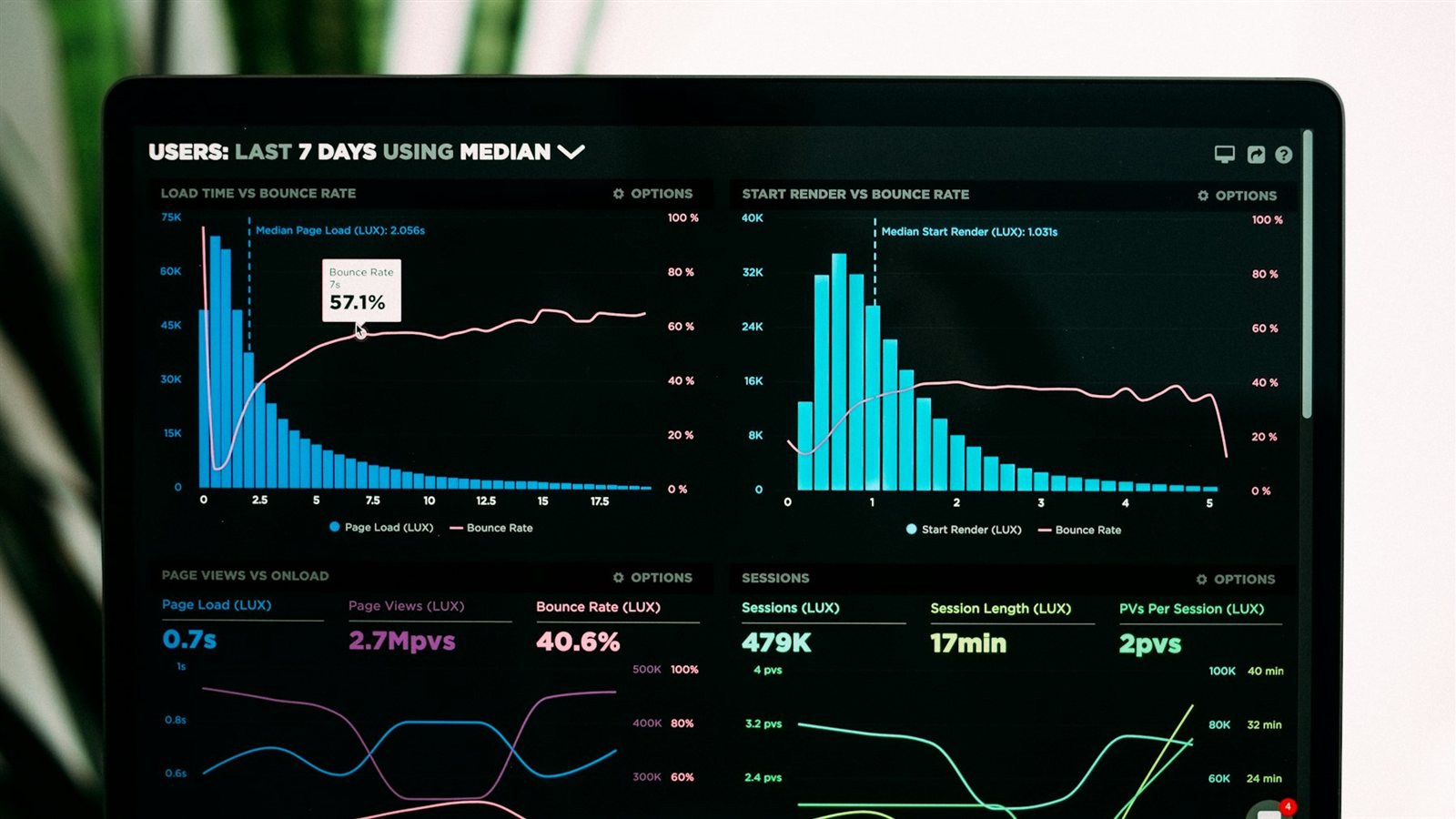
Track more than downloads and registrations. Measure activation: the moment a user experiences the core value. Track time to activation, completion of key steps, errors, abandonment, repeat use, retention, and conversion to payment where relevant.

Combine analytics with interviews and support data. A user may complete a flow but still consider it confusing. Another may fail because the product is missing a critical integration. Quantitative and qualitative evidence should inform the backlog.

Define decision thresholds before launch. What result would justify continued investment? What would require a change in audience, offer, or workflow? Avoid moving the target after seeing disappointing data.

Budget and contract model

A focused MVP can still require product strategy, UX/UI, front-end and back-end development, QA, project management, infrastructure, and launch support. Cost depends on roles, scope, platforms, integrations, and risk.

Fixed Price can work when the prototype and acceptance criteria are stable. Time & Material is often more appropriate when learning may change priorities. A capped sprint budget can provide flexibility without unlimited exposure.

Budget for the period after launch. An MVP is expected to change. Hosting, monitoring, support, bug fixes, analytics, user interviews, and the next product iterations are part of the plan.

Common MVP mistakes

The first mistake is building too many features. The second is launching something so incomplete that users cannot experience the value. “Minimum” should reduce scope, not quality in security, reliability, and clarity.

The third mistake is treating launch as validation. A product with no acquisition plan and no representative users cannot produce meaningful evidence. Recruitment of pilot users should begin during development.

The fourth mistake is ignoring constraints until the end. Payments, data protection, app-store rules, external APIs, and regulated workflows can affect architecture and timeline. Investigate them early.

How R5 Studio builds MVPs in Lisbon

R5 Studio can support discovery, app design, prototypes, web and mobile development, back-office tools, integrations, analytics, and post-launch iteration. The team’s cross-functional model reduces the handoff gap between design and engineering.

Explore app design and development on the Services page, and review related product work on the Projects page.

Internal Dashboards & Business Tools; From Figma to Production.